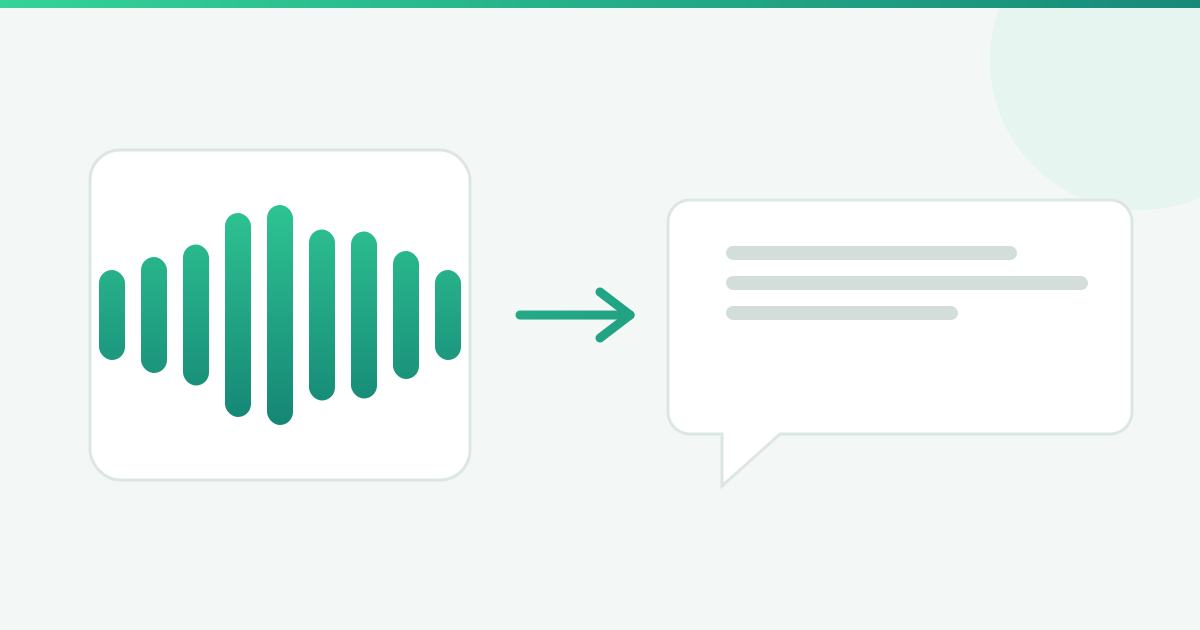
You bill by the hour. Client voice messages you listen to for free.
Thursday, 5:40 p.m. Eleven unread messages in the firm WhatsApp, four of them voice notes. In the 5 min 12 s one, a client explains that a letter arrived, that the deadline was not clear, that the neighbour said one thing and the accountant another, and at minute 4:06 he reads out the case number with two digits swapped. You listen to the whole thing. Then you listen again, just to get the number right. Eleven minutes of your day are gone. On that client matter, nothing was recorded.
The scene is assembled from what repeats in small practices. It is not a real client.
Hence the argument of this piece, and it is arguable: listening to a client voice message is technical time, no different from reading a contract. Until that time is triaged and recorded, the firm works without charging. And the culprit is not the client who talks too much.
The arithmetic nobody runs at month end
Back-of-the-envelope, with the assumptions in plain sight so you can redo it with your own figures: 14 client voice messages a day, averaging 1 min 50 s. That is 25 minutes and 40 seconds on the first listen alone.
Then the second pass. Say 4 of those 14 carry something that goes into a filing, a case note or the diary, and need to be replayed: another 7 minutes and 20 seconds. Call it 33 minutes a day, or 11 and a half hours across 21 working days.
Now put a price on it, using your own billing rate as the assumption. At 150 per hour, those 11 and a half hours are roughly 1,725 a month. At 300, about 3,450. For a published reference point, the August 2026 fee schedule of the Brazilian Bar Association in Bahia prices the reference hour at BRL 276.37 and the intellectual hour at two of those, BRL 552.75. The money never leaves the bank account. It is time that already left and was never written down.
The same voice message, before and after triage
The difference is not the length of the recording. It is how many times somebody has to go back into it.
| In the firm workflow | Voice message, no triage | Text, triaged |
|---|---|---|
| Know what is inside | Listen to all 5 min | Read it in 40 seconds |
| Find the case number | Go back and replay | Search for the word |
| Move the fact into the file | Type it by ear | Copy the passage |
| Record the time to the matter | Depends on remembering | Entry with date and time |
| Find it again in three weeks | Work through the pile | Keyword search |
The bottleneck is not the client, it is a door with no gatekeeper
Every firm has a rule for filings, for deadlines and for walk-in meetings. Almost none has a rule for voice messages.
The client who sends six minutes is not testing your patience. He is using the only channel you opened, in the format that costs him least, with no instruction about what should arrive in writing. The audio queue runs first-come, first-served, with no subject line and no priority, and the lawyer plays gatekeeper by listening to everything.
Five steps that work without installing anything
None of these needs a tool. All five need the workflow agreed once and then kept.
- Two listening slots a day. Pick two fixed blocks, say 11 a.m. and 4:30 p.m., and open voice messages only there. Outside those blocks, audio waits. That takes the interruption out of the middle of the brief you are drafting.
- Triage into three drawers, in 20 seconds. When you open a voice message, decide where it goes: deadline (into the diary now), case fact (into the file as text) or message (reply and close). A voice note with no drawer is a voice note you will play again.
- The 90-second rule. Anything longer than a minute and a half does not get played on arrival: it becomes text before it is read. WhatsApp itself offers voice message transcripts, announced on 21 November 2024, which has to be switched on under Settings, Chats, Voice message transcripts, and started in a few selected languages.
- Record the time in the same minute. Listening time goes onto the matter with the client name before you close the chat. Without this step, the previous three tidy up the day and change nothing on the invoice.
- One boundary message. A short fixed text sent when a client is onboarded: deadlines, case numbers and figures, please, always in writing. It does not ban audio. It shrinks the share of audio carrying the one detail that must not be mistranscribed.
The boundary message, ready to copy
Step 5 is the one most people drop, because nobody wants to look unfriendly to a new client. So it helps to have the sentence written, polite and specific.
"Send voice messages whenever that is easier for you. One request that helps your own case: deadlines, case numbers and figures, please send those in writing, even if it comes after the voice note. That is the kind of detail that cannot carry a wrong digit in our records."
Two things happen when that text goes out in the first week of the engagement. The client understands that audio is still welcome, so nobody feels told off and nobody goes quiet. And the critical detail starts arriving in writing most of the time, which takes away the job of checking digits by ear.
Who runs the triage has to be agreed too. In a practice with an assistant or a trainee, the deadline drawer and the message drawer can leave the lawyer desk entirely: the first goes straight into the diary, the second gets answered from a template and closed there. What is left for the lawyer is the middle drawer, the case fact, the only one where listening is worth the price of the technical hour.
Where ZapVox shortens each step
ZapVox is an extension for WhatsApp Web, on your computer. It does not replace the triage above. It shortens the time each drawer takes.
- On step 1, Automatic transcription means audio arrives already as text, so the 11 a.m. block starts with reading instead of listening.
- On step 2, the Bullet-point summary cuts a long recording down to a few points, which is enough to pick the drawer.
- On step 3, Glossary and names your way teaches the transcription the terms and proper names it would otherwise mangle, and Long audios, whole handles long recordings without losing the end.
- On step 4, Notes per contact keep the listening time and subject attached to the chat itself, and Export the chat transcriptions pulls the conversation out as .txt for the file.
- On step 5, Text shortcuts put the boundary message one command away, with the client name filled in.
Three weeks later, when nobody remembers where the client mentioned the property, Search inside voice messages looks for the word in the transcripts instead of reopening the pile.
Want to try it on your own WhatsApp? 3 days free, no card: install the extension from the Chrome Web Store.
Where this stops
Automatic transcription gets proper names, case numbers and technical terms wrong, above all in audio recorded in the street or with two people talking over each other. A glossary cuts the error rate without taking it to zero: numbers, amounts and dates still need a human to check them.
A transcript is a working document for the firm, not evidence. It organises what the client said so you can act faster. Evidentiary questions have their own route in a case, and no browser extension substitutes for that.
Older audio stays out too: the searchable archive starts on install day, because a transcript of audio nobody transcribed does not exist. And the extension runs on WhatsApp Web, on a computer. Anyone working only from a phone gains nothing here.
What changes on Monday
The two listening slots and the three drawers you can agree today, for free, and they shorten the day on their own. Recording the time is the step that turns tidiness into money. Transcription comes after, so that 40 seconds of reading replaces five minutes of listening.
To try it on your own voice messages: every sign-up starts with 3 days of trial, with Pro features unlocked on the trial allowance, no credit card. After the 3 days the account returns to the Free plan on its own and nothing is charged. Install ZapVox from the Chrome Web Store, or see what is included at see everything that is included.